

Learn More About Us
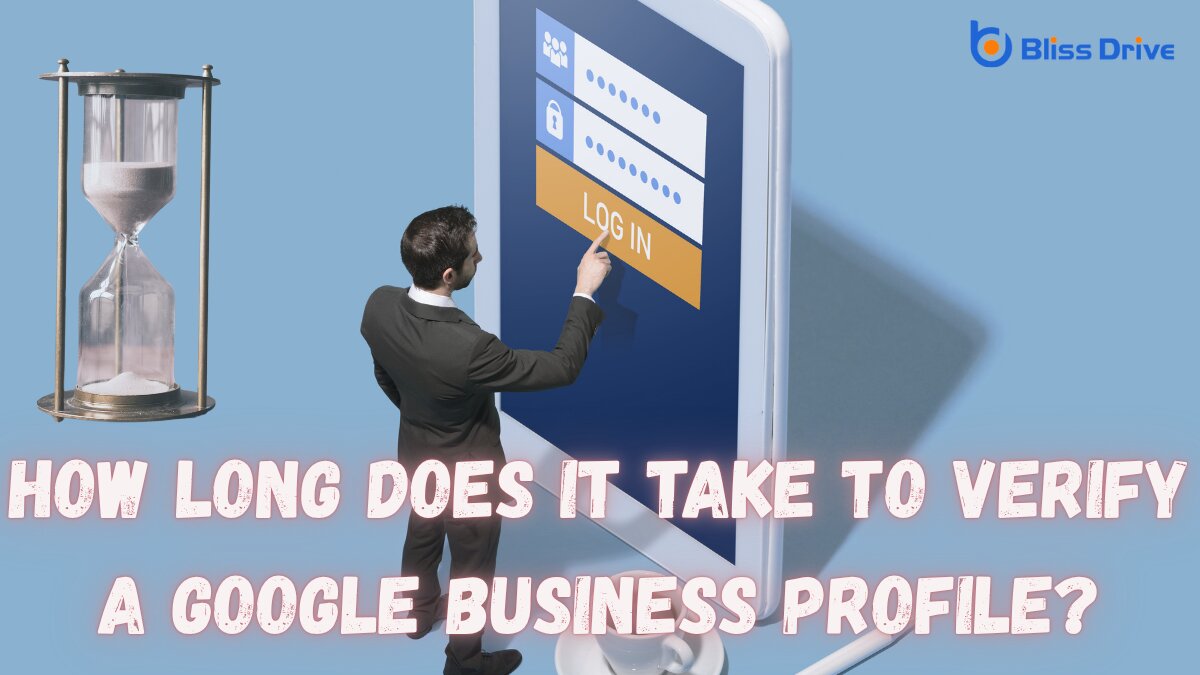
If you’re wondering how long does Google Business verification take, the short answer is: it depends on the verification method Google assigns to your profile. In many cases, Google says the review itself can take up to 5 business days after you complete the verification steps. If your profile is eligible for mail verification, Google notes that most codes arrive within 14 days.
Some businesses are verified faster (sometimes instantly), while others may take longer due to additional checks, profile changes, or re-verification requests.
Google Business Profile verification helps Google confirm that your business is legitimate and that you’re authorized to manage it. This protects your listing from unauthorized edits and helps customers trust the information they see in Search and Maps.
To get started, you typically claim or add your business profile and then follow the verification steps shown in your dashboardA user interface that organizes and presents information in an easy-to-read format, typically showin.... The options you see depend on your business type, public information, region, and business hours.
Google may offerThe specific product or service being promoted by affiliates. one or more of the following methods, depending on eligibility:
Google may ask you to submit a video recording that shows your business location, signage, equipment, and proof that you manage the business. This is a common option for many businesses.
If eligible, Google may send a verification code by call or SMS. This is often one of the fastest methods because you can enter the code immediately.
Some businesses can verify through an email sent to an approved address associated with the profile.
In some cases, Google may offer a live video call with a support representative. Availability can depend on your business type and local business hours.
If mail verification is available, Google mails a code to your business address. You enter the code in your Business Profile to continue verification. Google notes that most mail codes arrive within 14 days.
Google may verify some profiles instantly (for example, in certain cases tied to Search Console or bulk verification eligibility).

If your target keyword is “how long does google verification take”, this is the section searchers care about most. Here’s the practical breakdown:
After you complete the verification steps, Google says its review can take up to 5 business days. In some cases, verification is instant.
If Google offers mail verification:
These methods are usually faster because the code/link is delivered immediately or within minutes, but Google may still apply review time depending on the profile. Competitor content commonly frames these as “same day” or “within hours” when available.
Video verification timing can vary based on review queue volume and whether the submission clearly shows required proof. Many industry guides estimate several business days for review, and Google’s official post-verification review guidance still applies.
Several factors can make verification faster or slower:
Some methods (phone/text/email) are typically quicker than mail, while video may require manual review. Also, Google may require multiple verification methods in some cases.
Inaccurate or inconsistent business details can delay verification. Make sure your business name, address, phone number, and category are correct before you start. Google may request additional information if details were recently updated.
If you’re verifying by mail, do not change your business name, address, or category while waiting for the code, Google says this can invalidate the code and extend the process.
Google’s available verification options depend on business type, region, public information, and business hours. Some categories or situations may trigger extra review.
While you can’t force Google to use a different verification method, you can reduce avoidable delays:
Double-check:
Accurate information helps Google review your profile more smoothly.
Google determines the available methods automatically. Choose from the options shown in your dashboard and follow the instructions carefully.
If video or live video is offered, be ready to show:
Frequent edits can slow verification or trigger re-verification, especially during mail verification.
Google may notify you of issues, additional info requests, or completion by email and within your Business Profile dashboard.

If your verification is taking longer than expected, try these steps:
If the “Get verified” button appears again, Google may not have fully verified the profile. Re-verify and try any other verification options shown in your dashboard (if available).
If Google flags your video, review the issues and resubmit following the on-screen guidance. This usually means the video did not provide enough proof of location, ownership, or operation.
Google may ask for more details if business information was recently updated or if it needs more confirmation. Follow the prompts and re-verify as instructed.
Accurate business information is essential for both verification and local SEOOptimization strategies aimed at improving a website’s visibility in local search results. performance. When your profile details are correct and consistent, customers can trust what they see in Google Search and Maps, and you’re less likely to run into verification or re-verification issues.
Consistency also supports your broader local visibility strategy, especially when paired with review management, local keyword targeting, and ongoing profile updates.
Once your profile is verified, don’t stop there. To get the most value from your Google Business Profile:
These steps help you turn verification into stronger local rankingsThe position at which a website appears in the SERP., more trust, and more customer actions.
A verified Google Business Profile can help your business:
For local businesses, verification is not just an admin step; it’s a foundational part of being discoverable online.
Verifying your Google Business Profile is the first step, but optimizing it is what drives results. If you’ve been asking how long does google business verification takes, the best approach is to complete verification accurately, avoid delays, and then move straight into profile optimization, reviews, and local SEO improvements.
To keep improving your local visibility after verification, check out Bliss Drive’s guide: 5 Best Tips to Improve Local Visibility on Google. It’s a great next step for turning a verified profile into more traffic and leads.